1
create your account
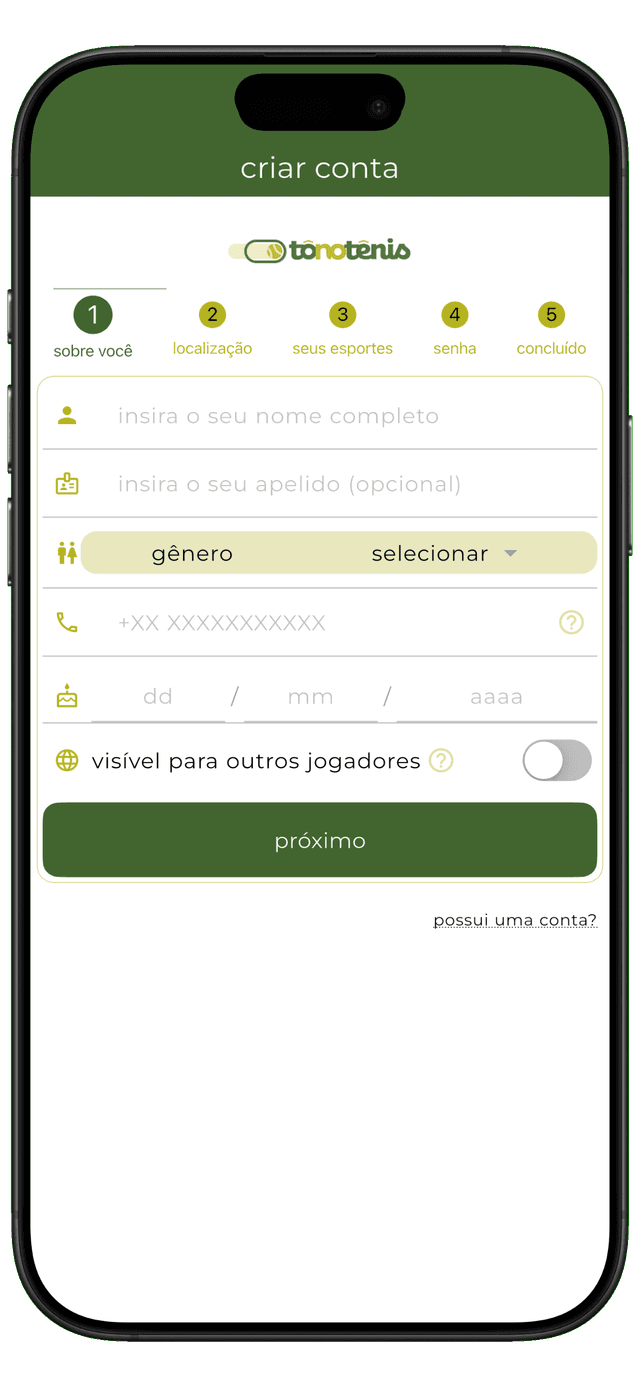
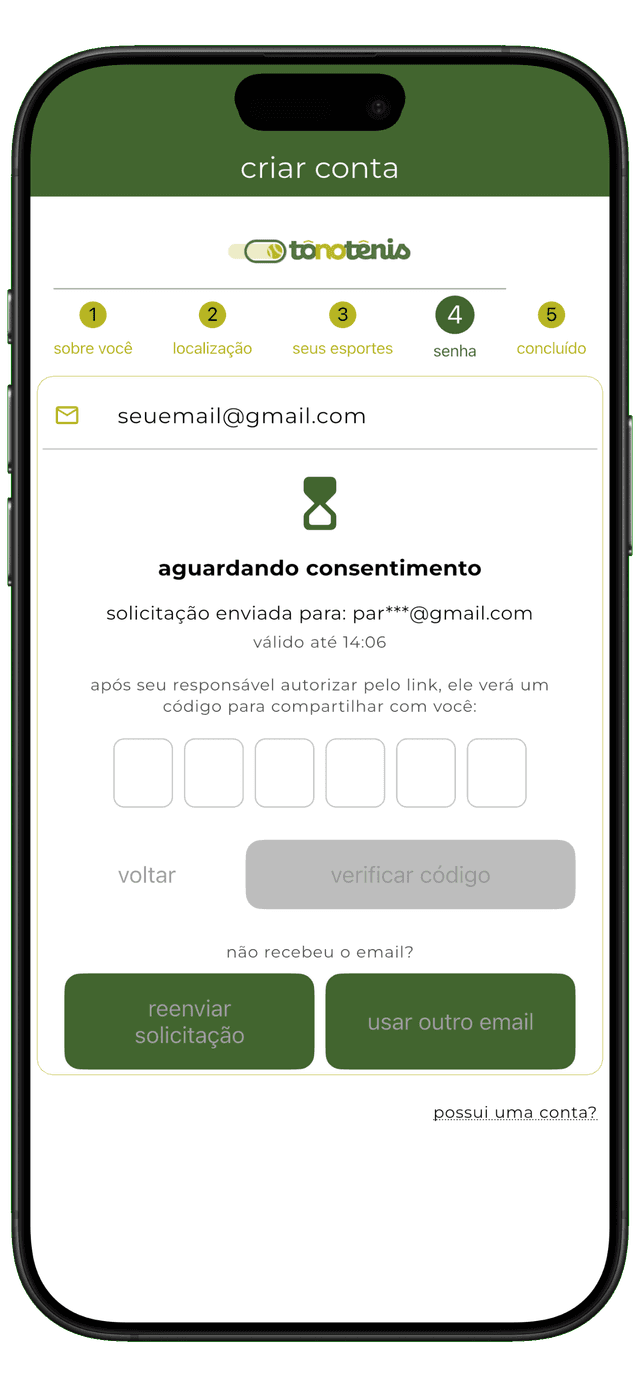
sign up with your email and start managing your matches, stats, and rankings.
from download to your first match — here's everything you need to know
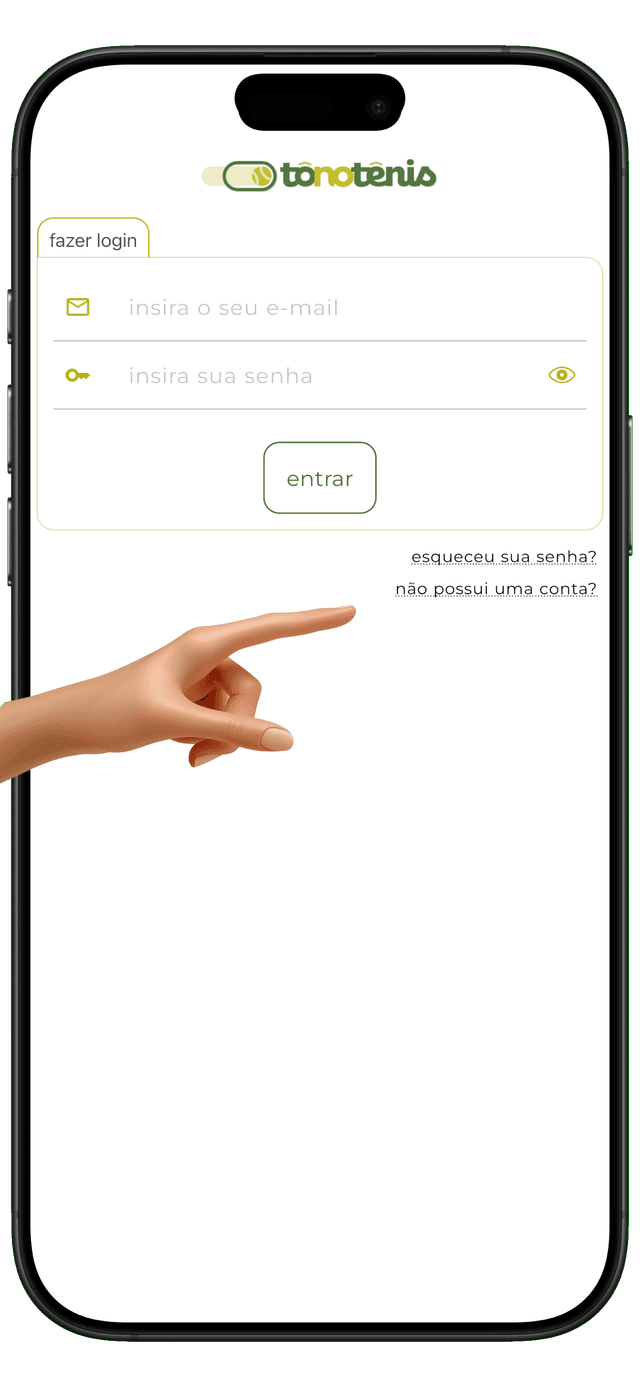
sign up with your email and start managing your matches, stats, and rankings.
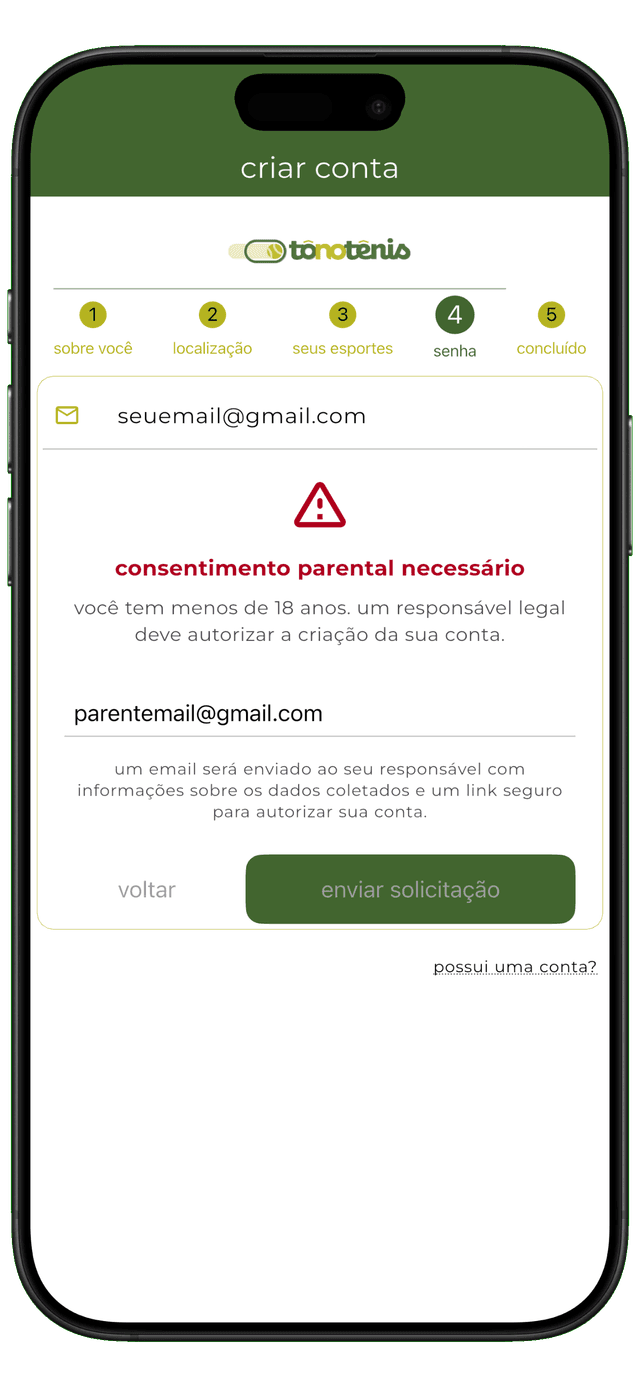
if you're under 18, your parent or guardian will receive an email to approve your account. you can use the app once they confirm.
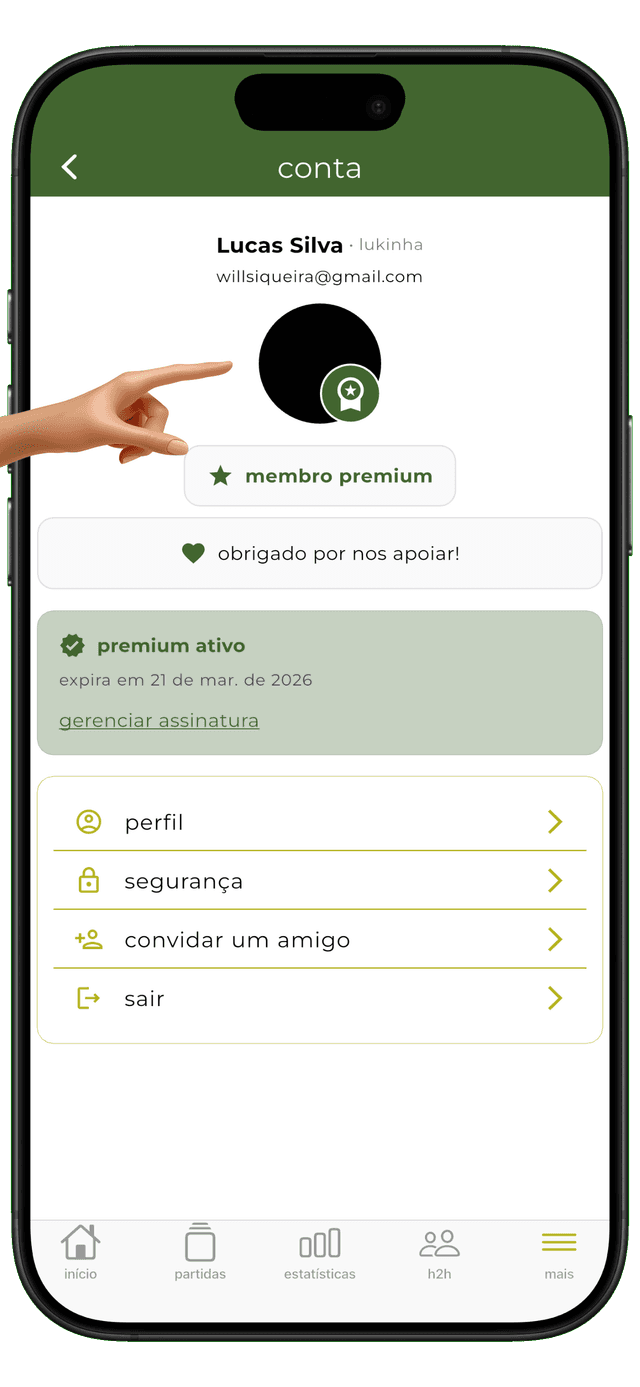
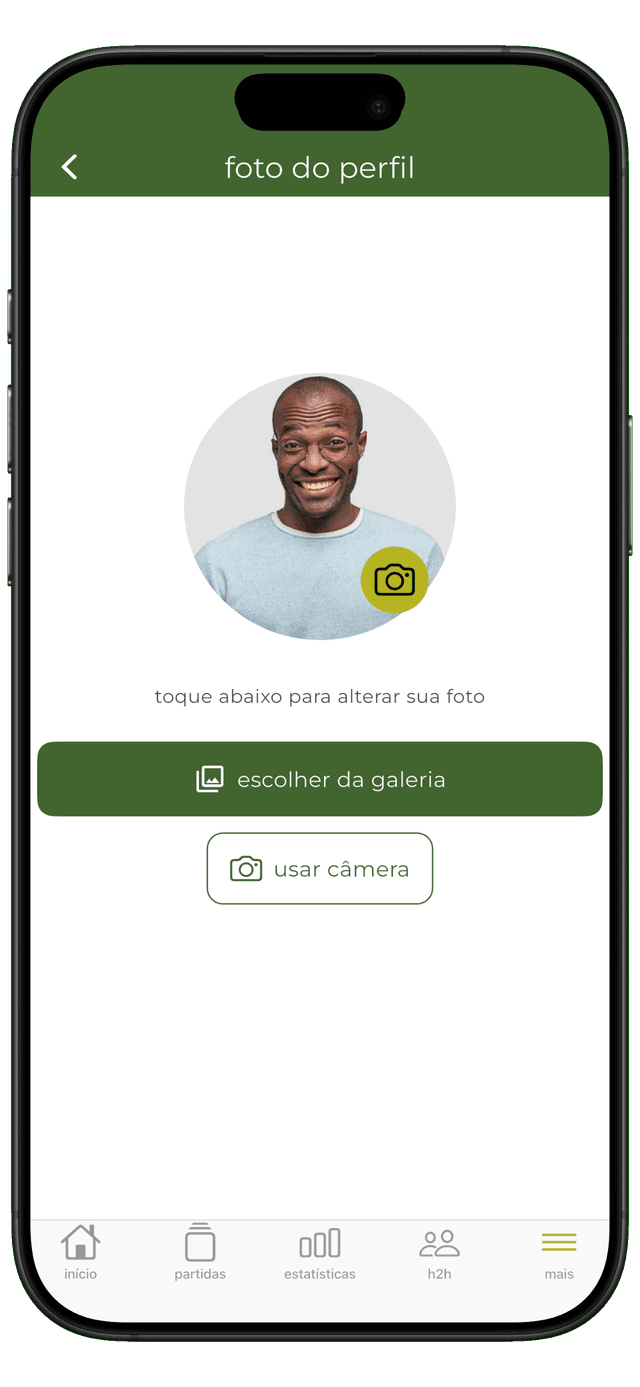
add a custom avatar, this will help other players recognize you.
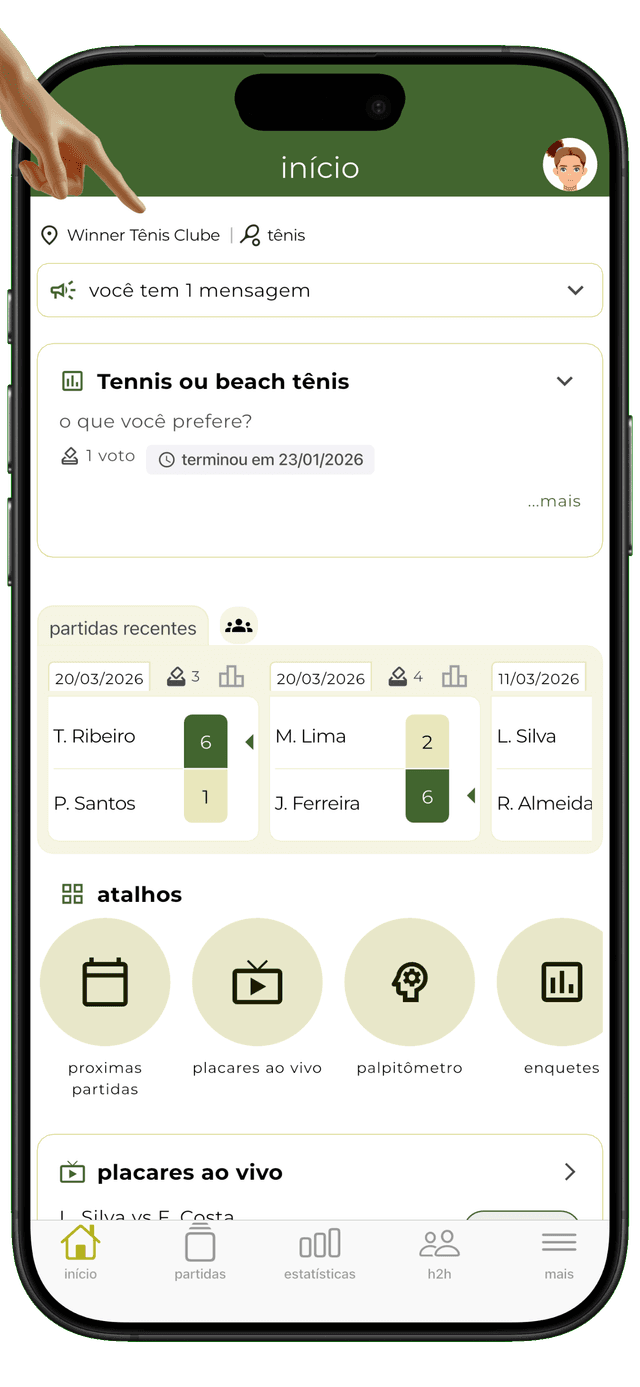
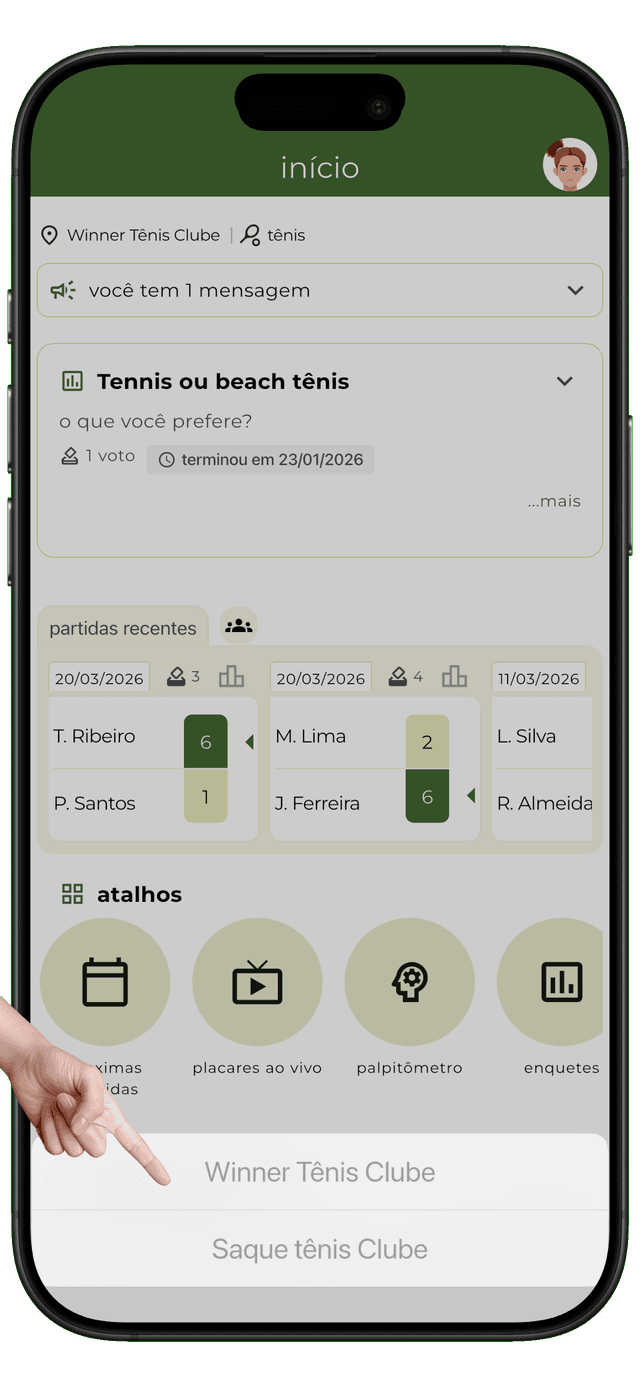
this is the heart of the app. everything you see — matches, rankings, stats — is filtered by your selected place and sport. if you're a member of more than one place, just tap here to switch between them.
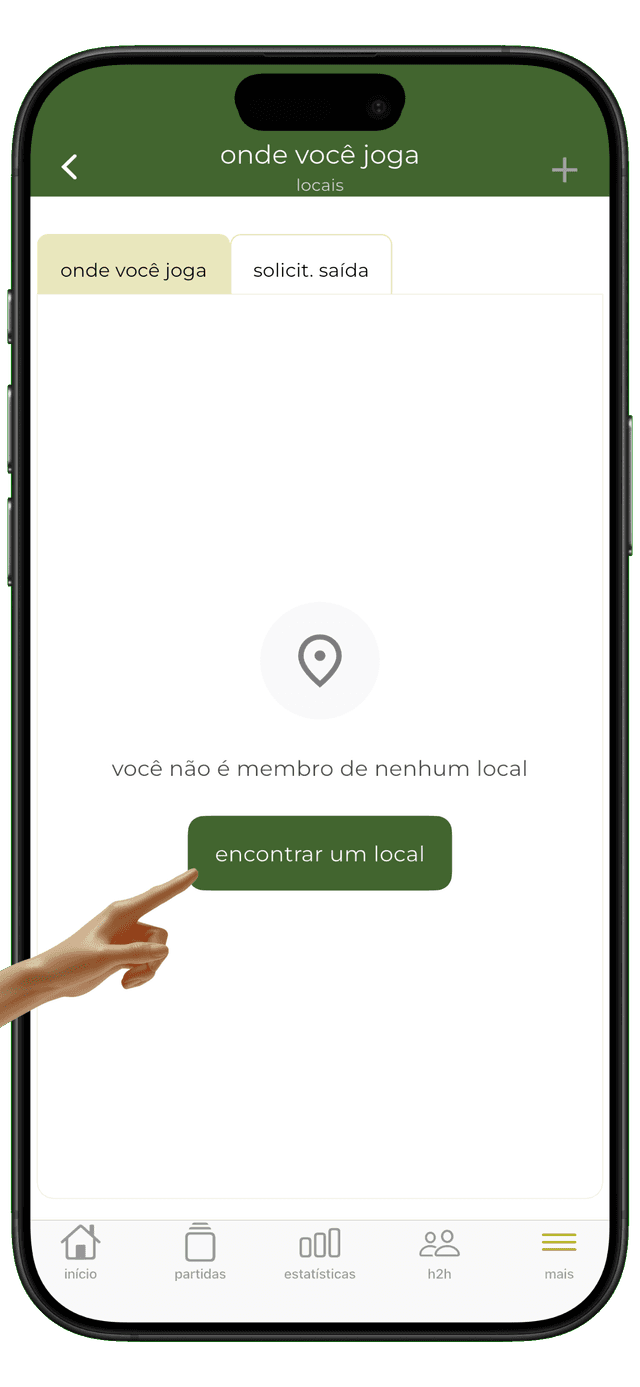
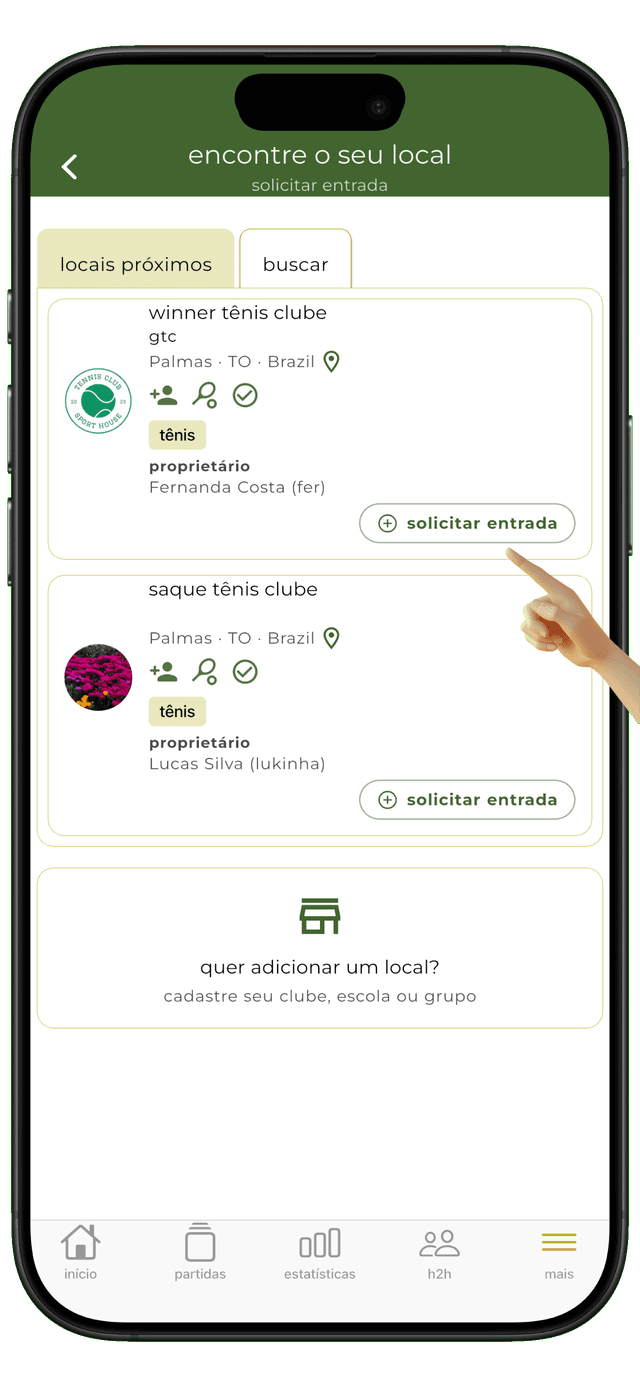
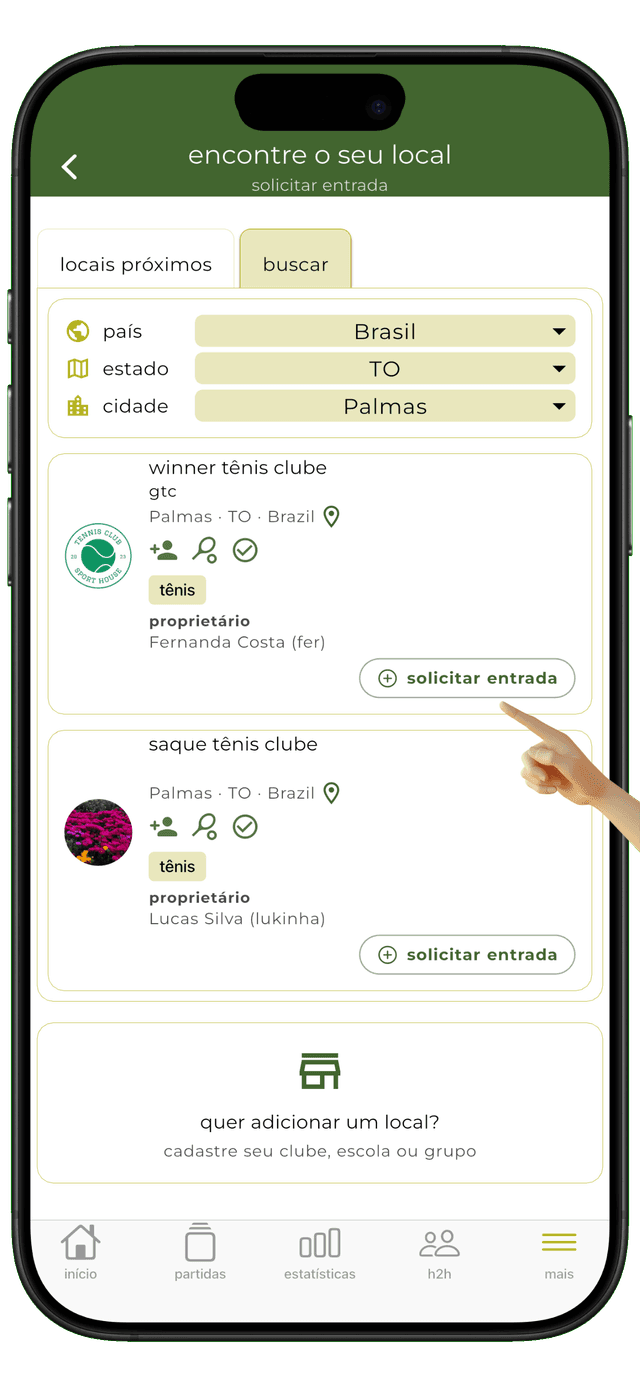
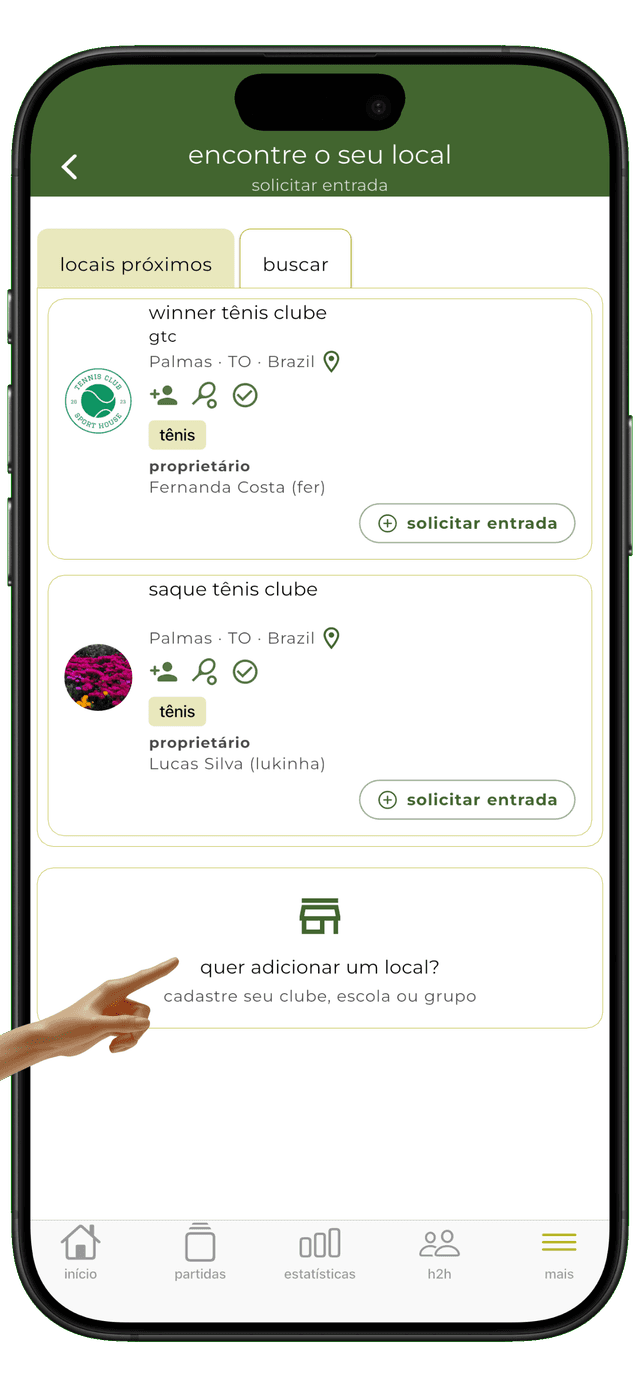
automatically find nearby places or search. tap the button and request to join as a member. the place owner will approve your request.
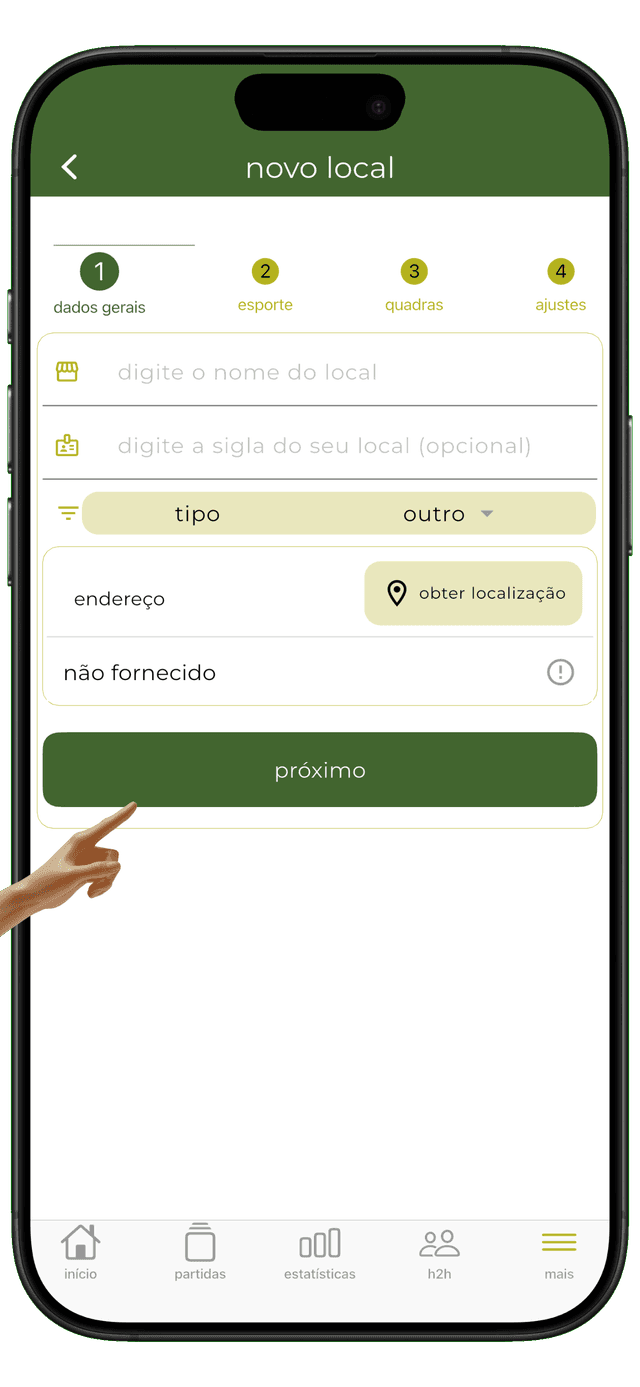
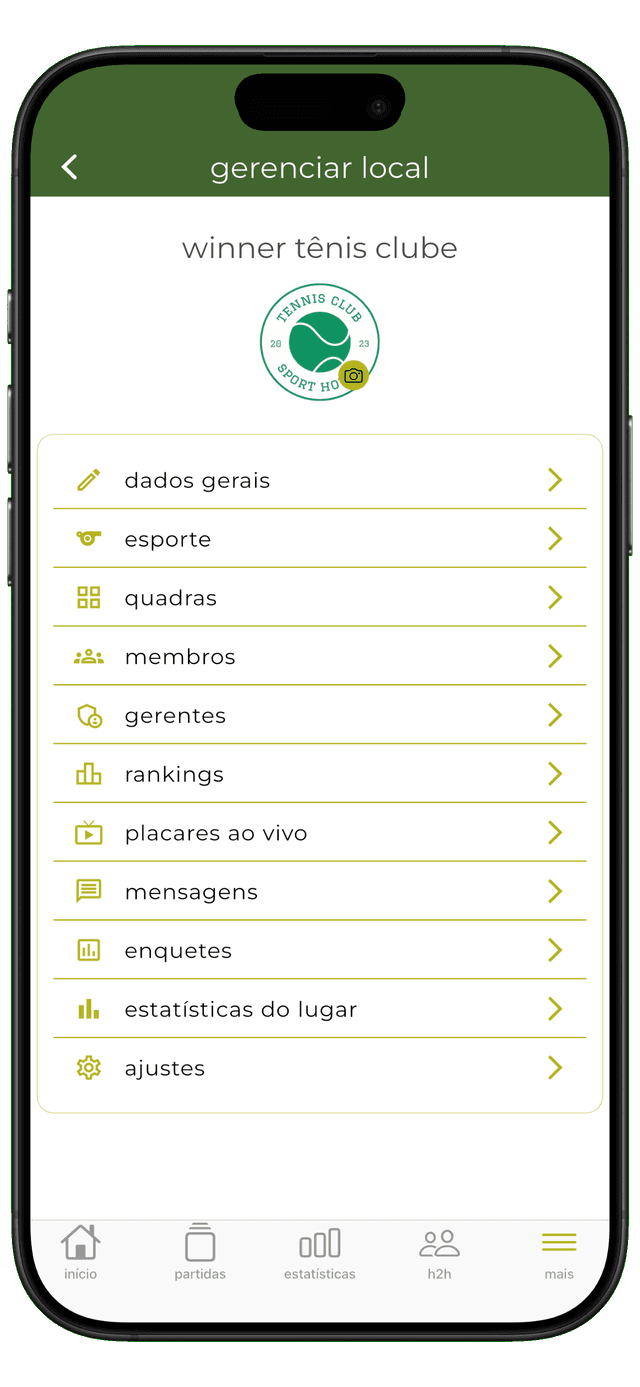
starting a new club or group? create a place in just 4 steps. you'll become the place owner and can invite members. it's quick and easy.
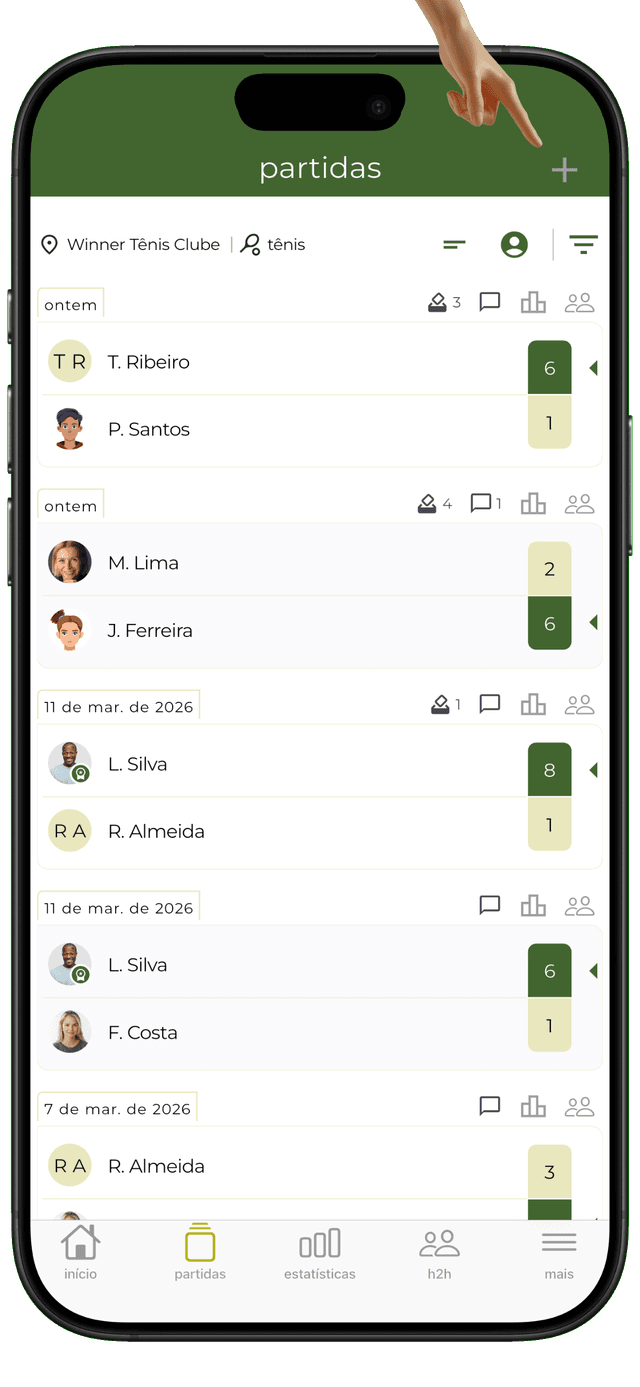
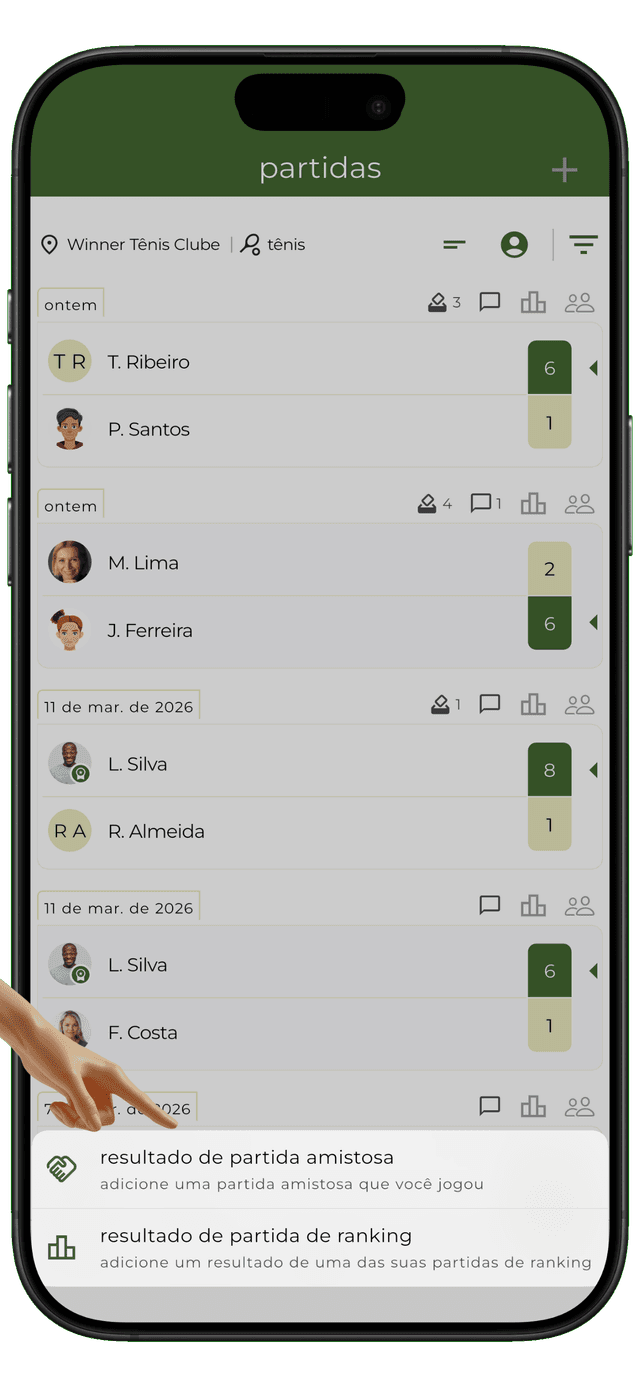
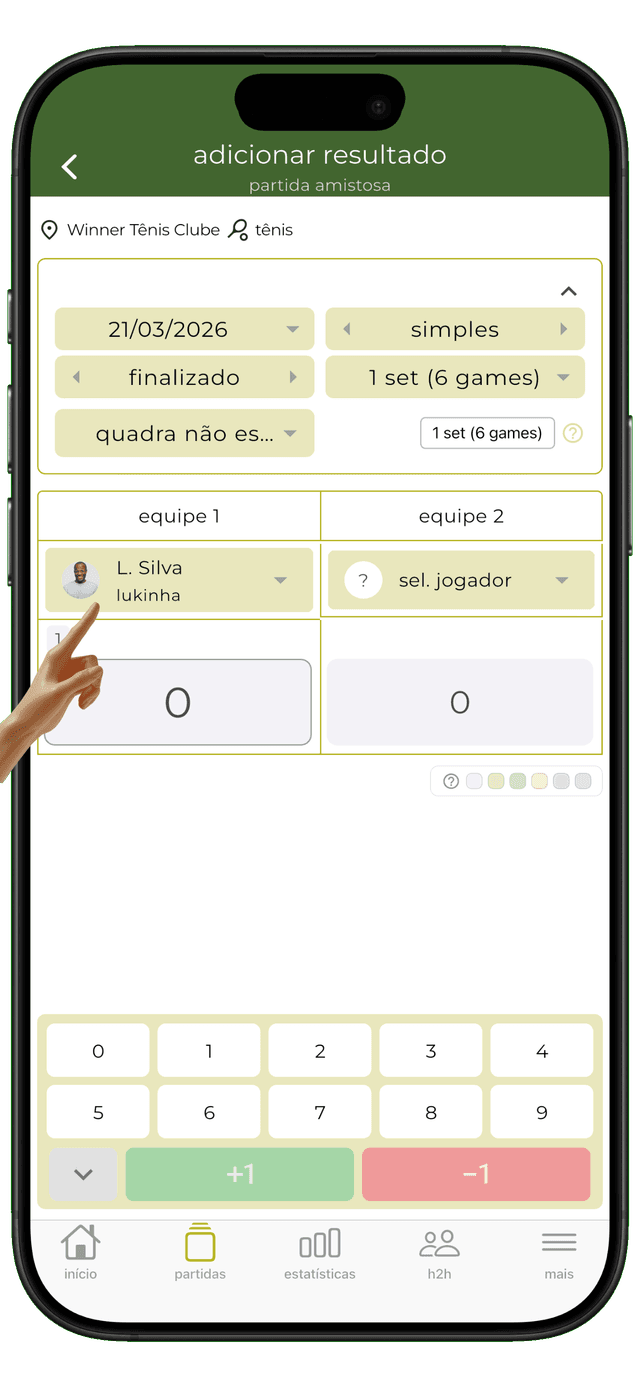
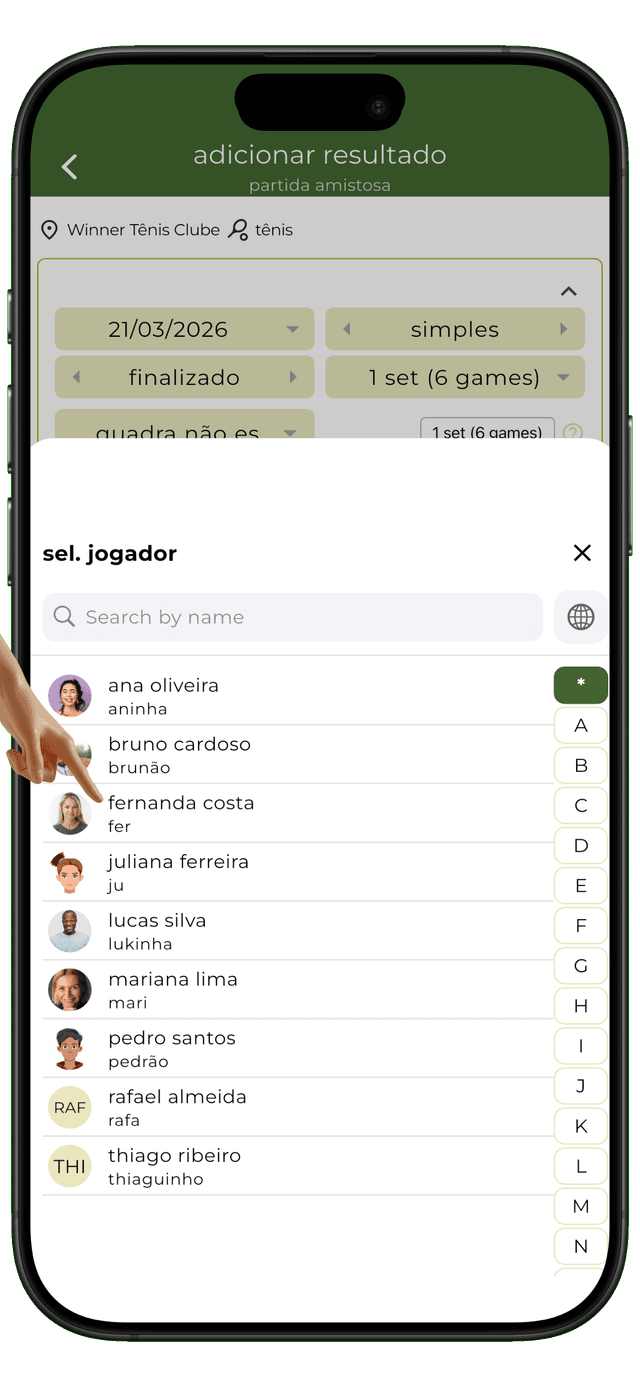
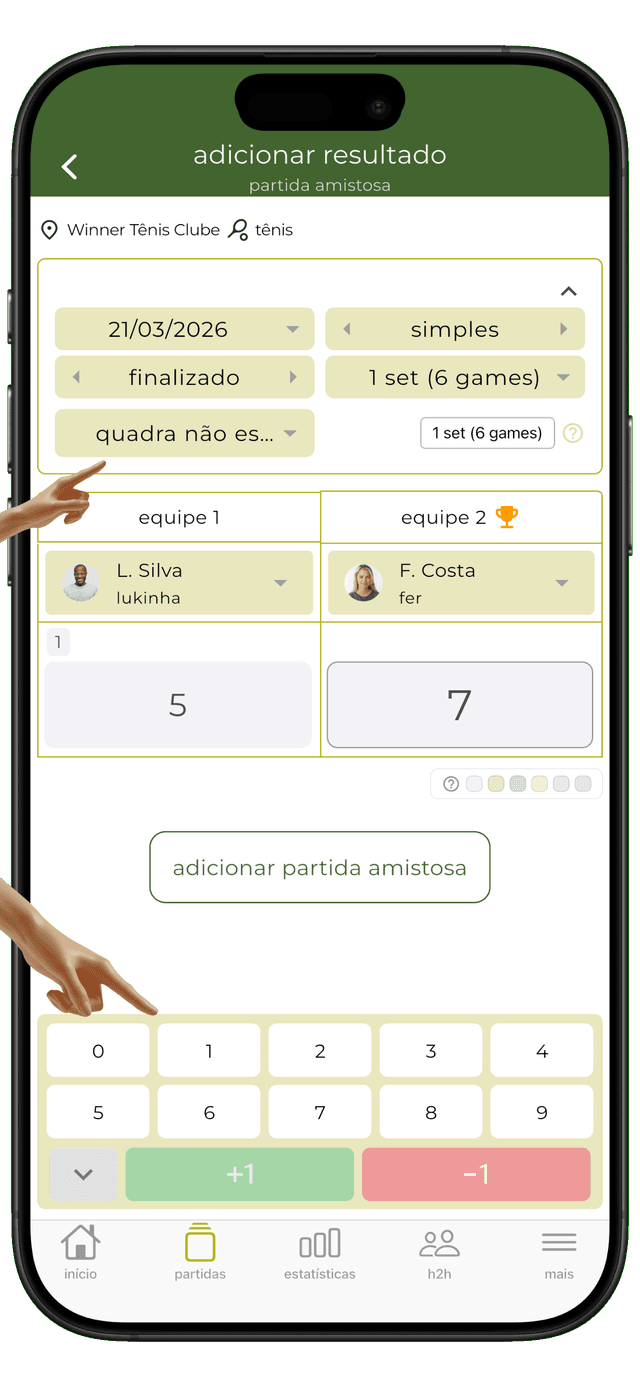
tap matches, tap add, select the players (singles and doubles), enter the match data and set scores. stats and h2h will be updated automatically.
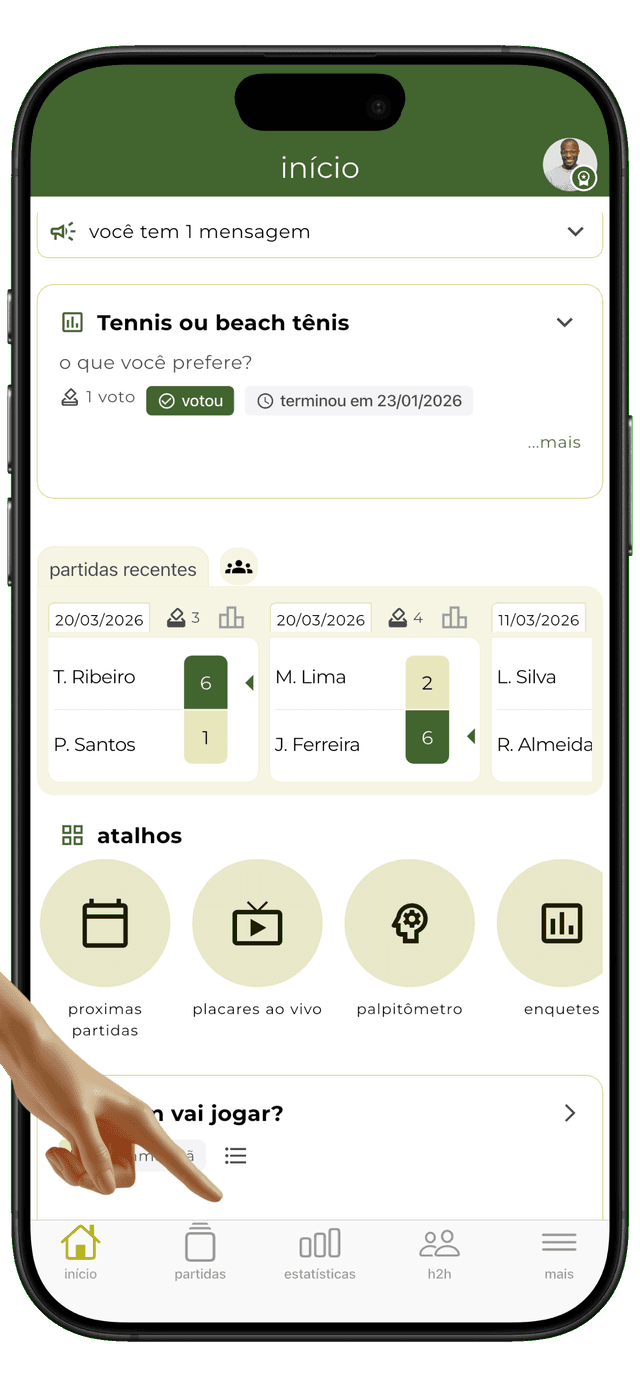
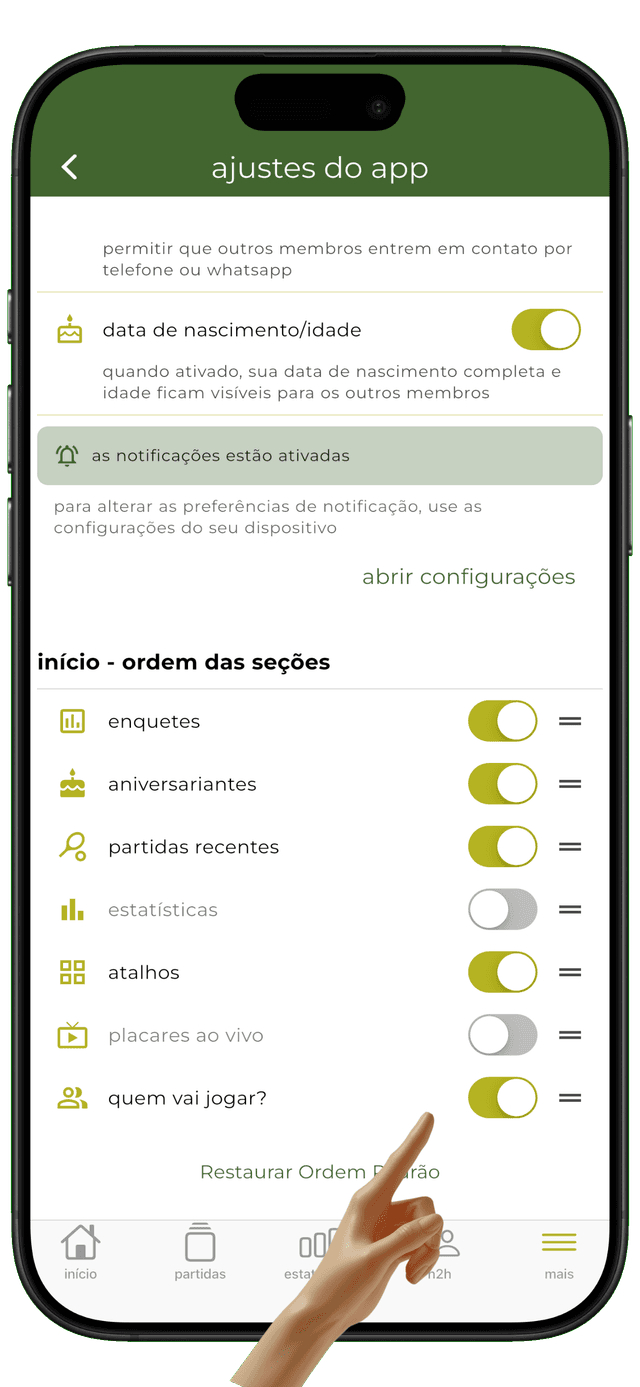
go to the app settings and reorder or hide home sections. recent matches, stats, birthdays, live matches, who's playing, polls, or shortcuts. everything just a tap away.
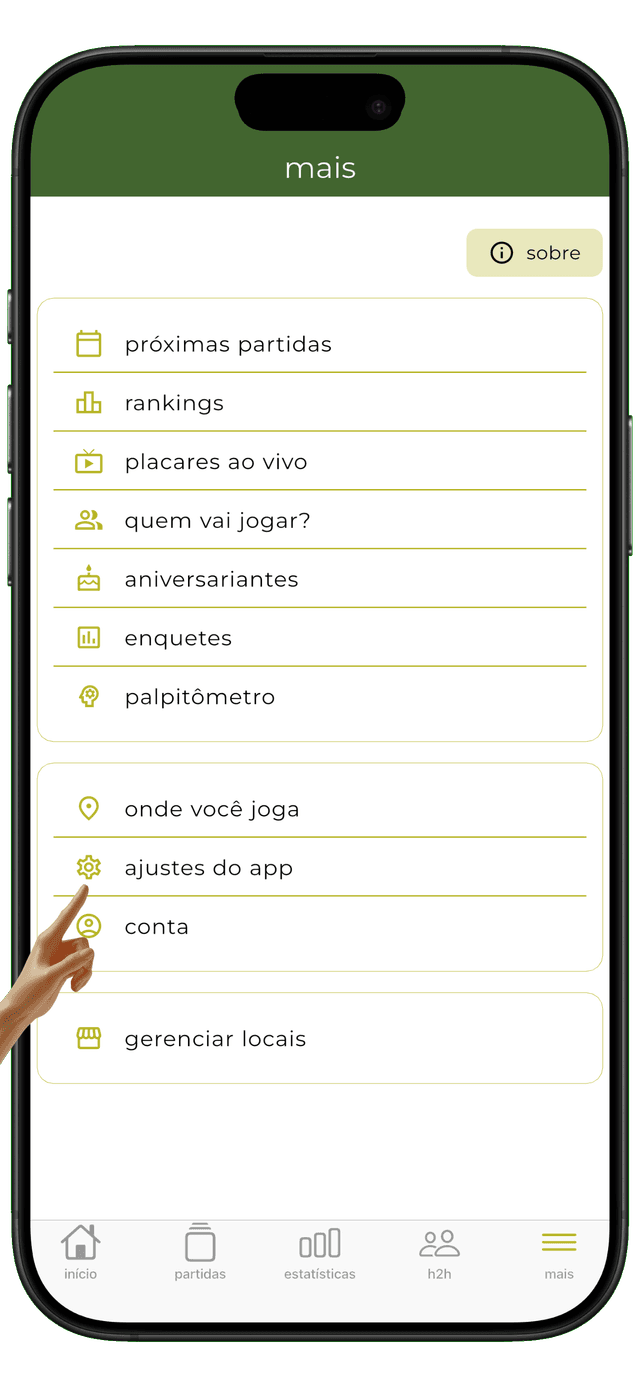
the app has 5 main sections: home, matches (add and browse), stats (track your performance and other players'), h2h (head-to-head stats), and more (on the 'more' page you'll find: upcoming matches, rankings, live scores, who's playing, polls, birthdays, and everything else).